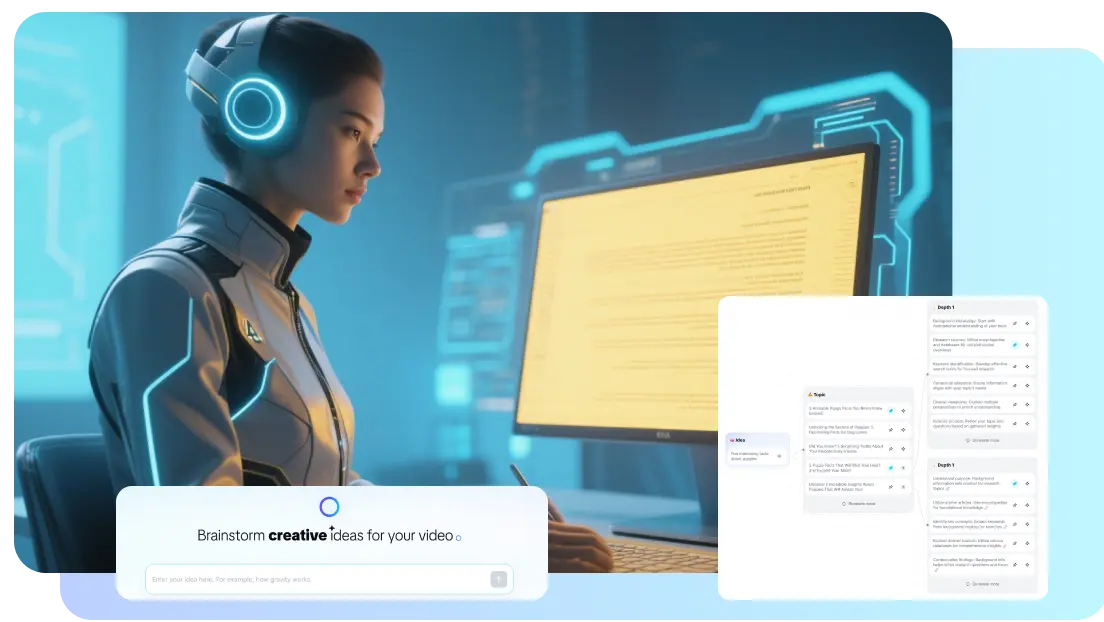
Seedance 2.5 AI Video Generator, a Solution Transforming Educational Content
Educational video content takes far longer than creating any other teaching material. Slides can be put together in an afternoon. However, a professionally designed explanatory video often takes several days to produce. This particularly concerns filming, editing, and revisions. The Seedance 2.5 AI video generator is a part of a wider shift to bridge this gap. Teachers can now convert written lesson plans into ready-to-use video scenes. Learn more below.
Why Video Production Could Slow Down Learning
Video remains one of the most effective formats for explaining processes. It illustrates concepts and walks viewers through content step-by-step. However, production generally requires equipment and editing skills. Besides, it needs a block of uninterrupted time that most teachers simply lack. A teacher who prepares five different lessons a week rarely has the capacity to take on the extra role of video editor. Outsourcing this isn’t usually an option in the budget, too.
This bottleneck influences the type of educational content actually produced. Organizations with their own media teams build professionally designed video series. Yet, individual teachers often rely on slides, text, or less polished footage. The Seedance 2.5 AI video generator works specifically to address this gap. It lets teachers create scene-based video content directly from a written prompt.
What Benefits the Update Brings for Content Creators
The key improvement in this version lies in generation at the scene level rather than in short, disjointed clips. A single prompt can now describe a theme, a setting, a plot, and a specific pace. The result is a more complete 30-second sequence. It isn’t a fragmented piece put together from several others. For use in education, this means that a single explanation can be presented as a coherent scene, not a series of jump cuts. This difference is crucial when it comes to observing the unfolding of a process.
Natural language editing is a second significant innovation. Previous tools often required the video to be completely re-created, even for minor changes. This included adjusting a background or removing an object from the frame. Seedance 2.5 AI video generator supports direct text-based edits. It allows creators to tweak a specific detail without discarding an otherwise usable clip.
For anyone who creates educational content, there are a few practical features worth highlighting:
- Generation of videos from text for scenes up to 30 seconds long, which is ideal for short concept videos.
- Natural language editing to adjust backgrounds, objects, or the pace without the need for a full re-render.
- Support for multiple reference images, ensuring the visual consistency of a recurring character or prop throughout an entire series of lessons.
- Control via timestamps to mark specific camera cuts or action cues within a longer sequence.
These features matter less as individual specifications but are part of a holistic workflow. They reduce the number of individual tools needed to stitch together a finished lesson video.
Streamlining Course Creation
Course creators building a multi-part series will benefit most. The features included in this update ensure continuity. Until now, maintaining a consistent visual style across ten or twenty lesson videos has required manual monitoring of props, background, and framing. Reference-based generation reduces this manual effort. A course creator can specify consistent visual guidelines across multiple scenes. It matters more than it sounds once a course runs past a handful of lessons.
Another thing is revision speed. It’s crucial as much as an educational context is in marketing. A lesson script often changes after an initial review, whether because an explanation was unclear or a term needed updating. Editing the text of a single scene rather than re-filming it shortens the time between an initial draft and a video ready to use. This short timeframe means that lessons are updated when feedback is received. It isn’t about the feedback being quietly ignored.
Uses Beyond the Traditional Education
Formal classroom teaching isn’t the only area where such a tool can be used. Corporate training teams also face a similar problem. Onboarding materials and process guides require regular updates. However, full video production for every revision isn’t practical or cost-efficient. A scene-based production workflow makes incremental updates far less time-consuming. A single outdated step can be revised without recreating the entire video.
Social media-style educational content also benefits from this approach. This concerns short explanatory videos where the focus is on short, easily digestible content. A single concept can be turned into a quick, visually consistent clip. It doesn’t require a production cycle lasting several days. For those with several social media accounts alongside their curriculum, this efficiency adds up over time. They don’t waste time on polishing minor issues but focus on adding only important angles.
How Smaller Educational Programs Will Benefit
The efficiency gains benefit small programs and independent tutors disproportionately. A university department with an established media team already has a certain capacity to produce video content. An independent lecturer or a small nonprofit training program doesn’t have the same resources. Such tools narrow that gap and give small organizations a realistic chance of producing videos. Larger organizations take that for granted.
To be honest, this doesn’t mean that professionally produced instructional videos lose their value. Instead, it broadens the pool of people who can produce video content at a basic level.
An Additional Tool, Not a Replacement
It would be fair to say that Seedance 2.5 AI video generator is a complement rather than a substitute for pedagogical thinking. A logical structure and accuracy of content still depend entirely on the educator who writes the script. What’s different is how much friction sits between a finished script and a usable video. Removing this friction doesn’t make anyone a better teacher, but it makes it much easier for a good lesson to actually reach students in the form of a video. So, trying out such solutions will only speed up the video generation process. They will help produce videos without involving large production teams.